Multi-format
Extract common archives
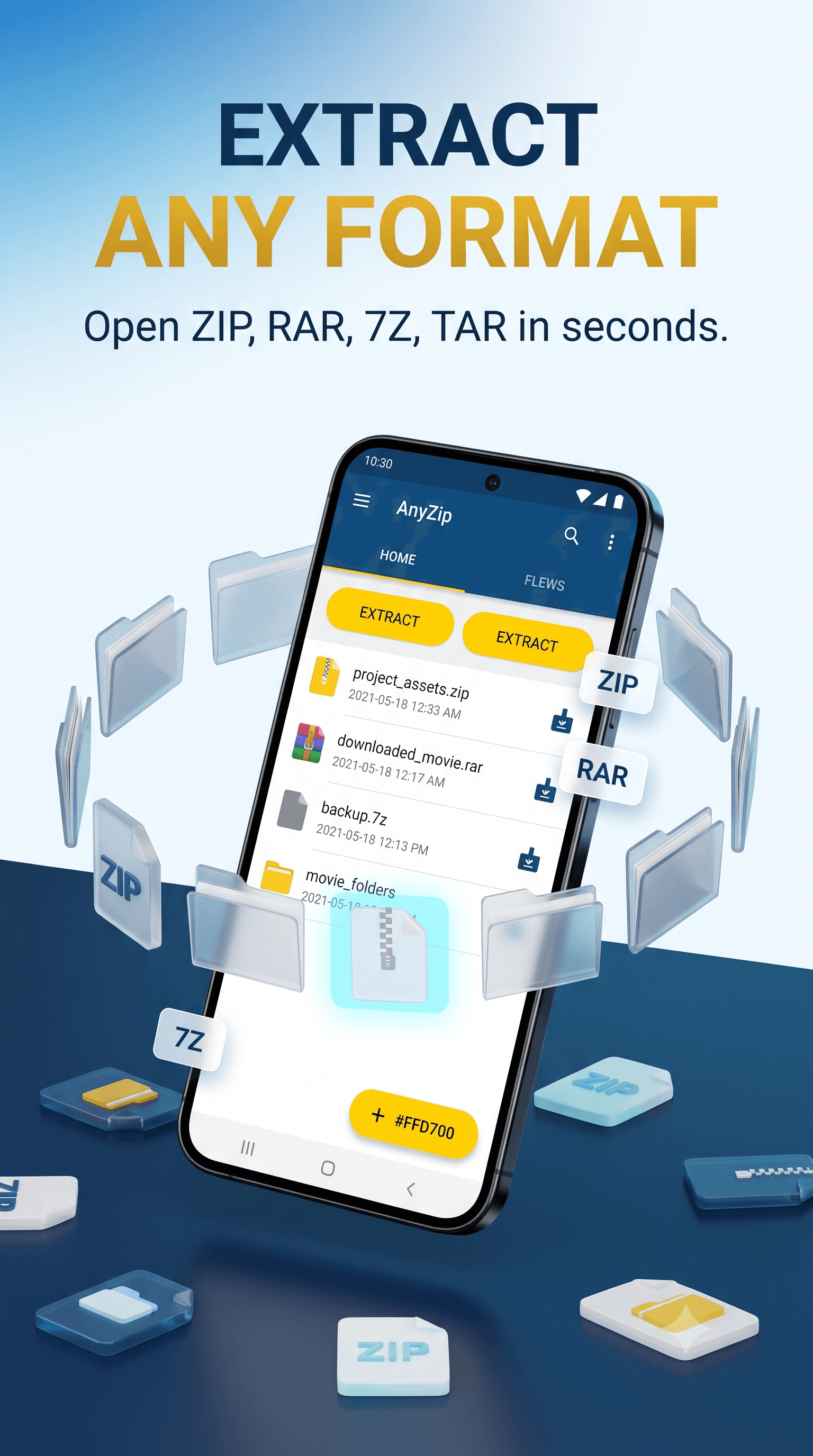
Supports ZIP, 7z, RAR, TAR, GZ, BZ2, and dozens of other popular extensions.
 AnyZip
Archive extractor and compressor
Extract ZIP, 7z, RAR, TAR, and more. Create compressed files with optional passwords, preview archive contents, and keep recent archive work organized on your Android device.
Fast and secure
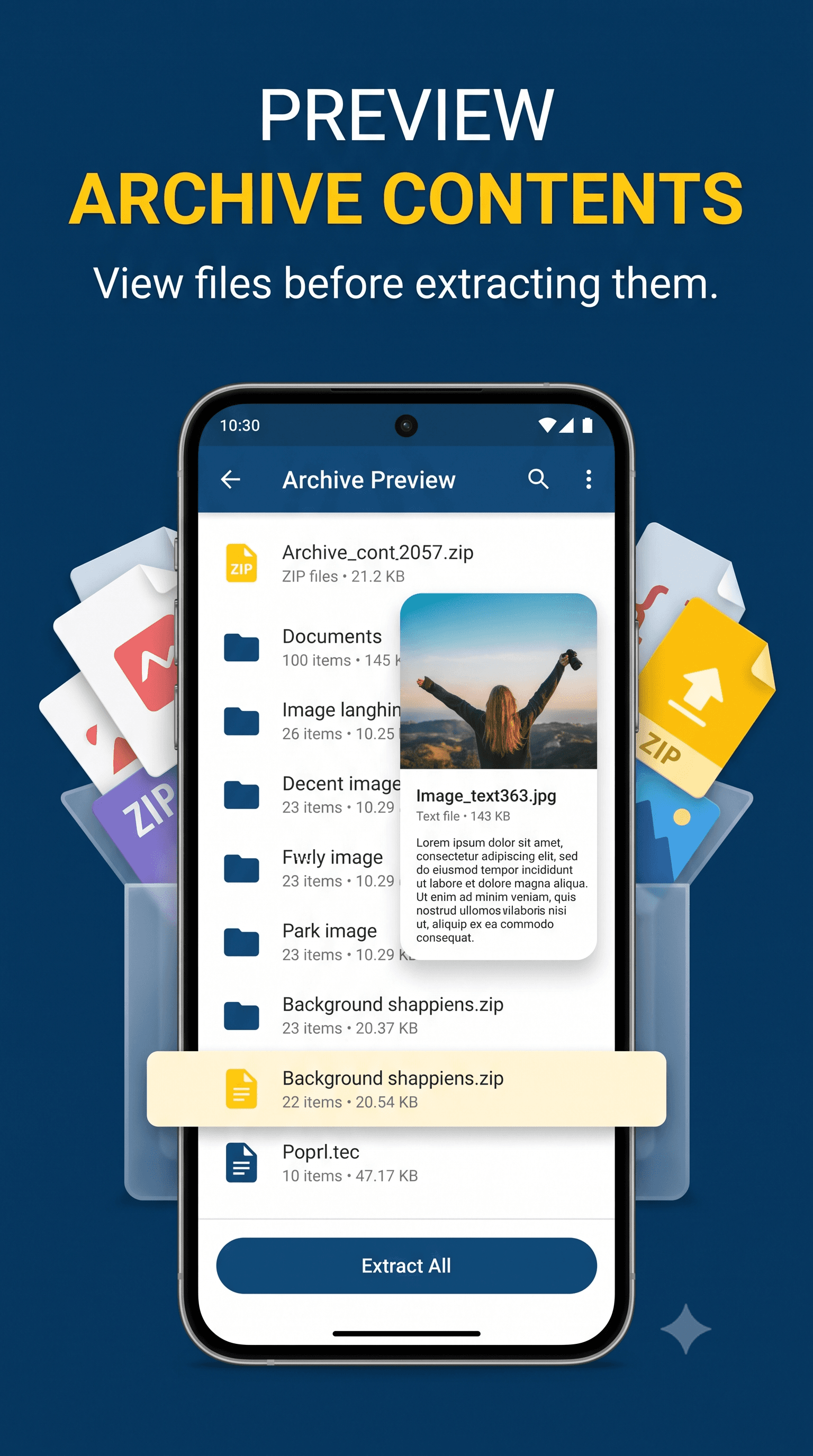
Extract archives, create compressed packages, search local storage categories, preview archive contents, and keep recent work easy to reopen.
Supports ZIP, 7z, RAR, TAR, GZ, BZ2, and dozens of other popular extensions.
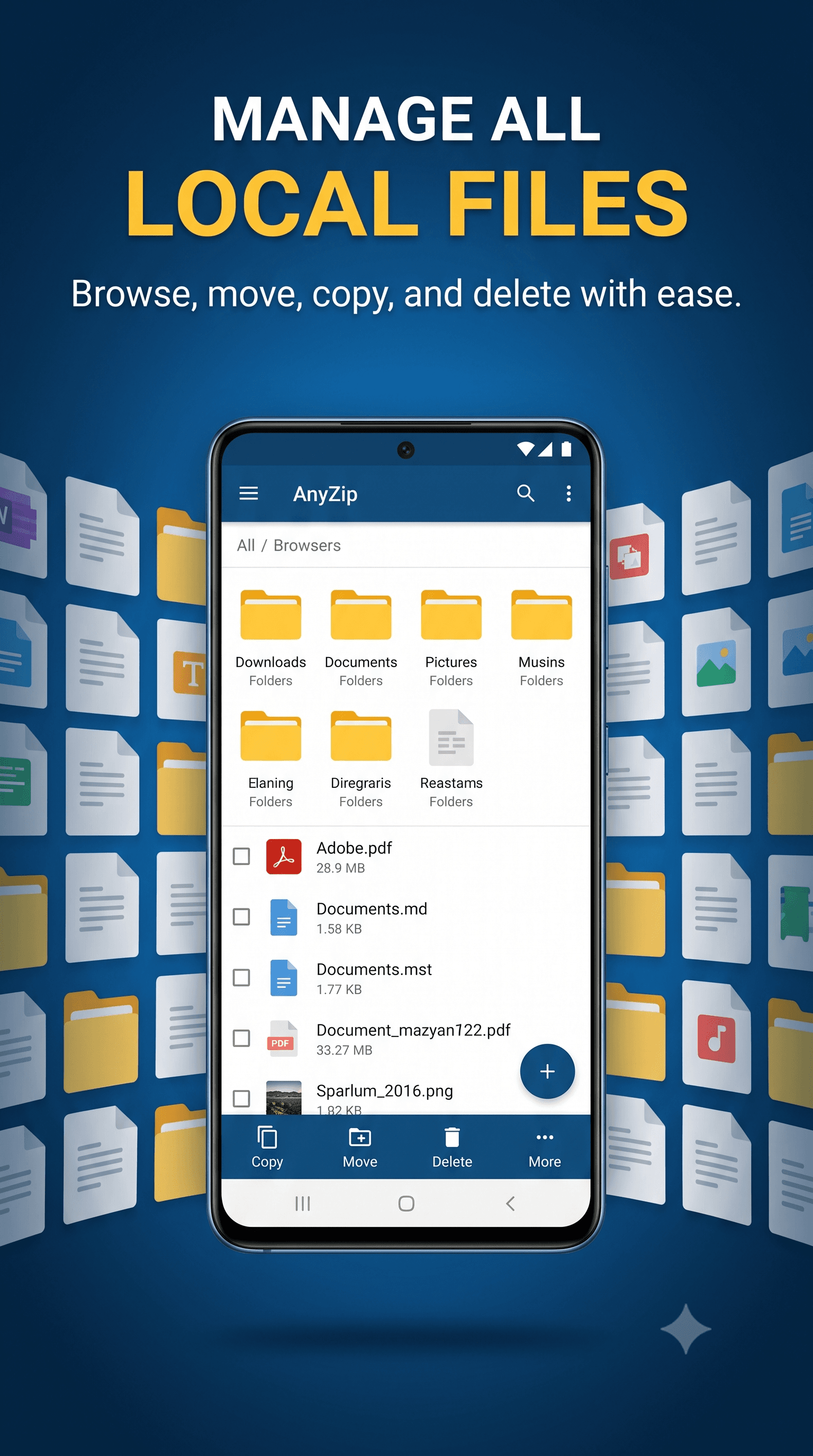
Filter device files by documents, images, videos, music, archives, and recent items.
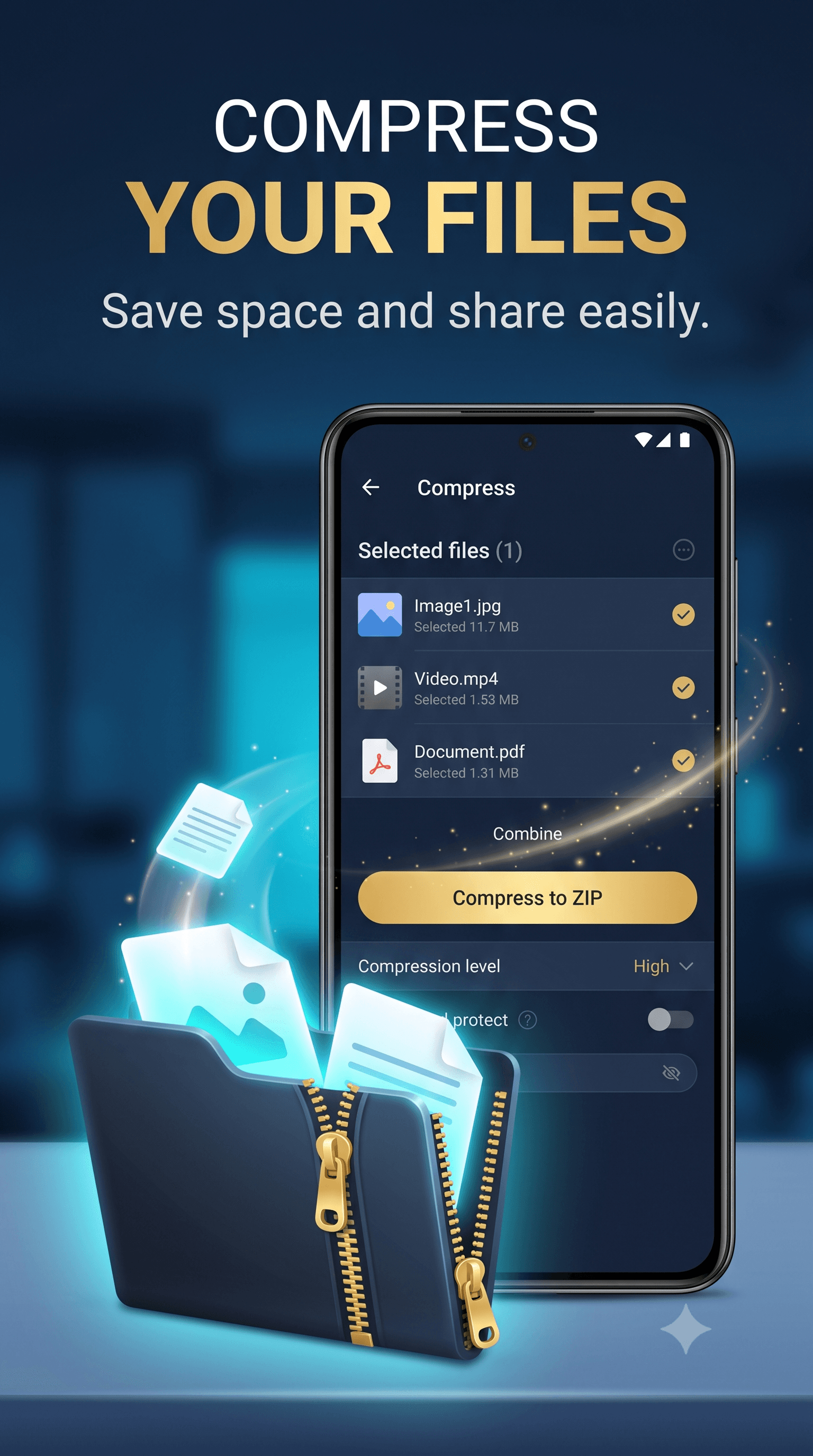
Package selected files with archive format, compression level, output path, and optional password controls.
Compression, extraction, archive preview, and history run on your device without uploading your files.
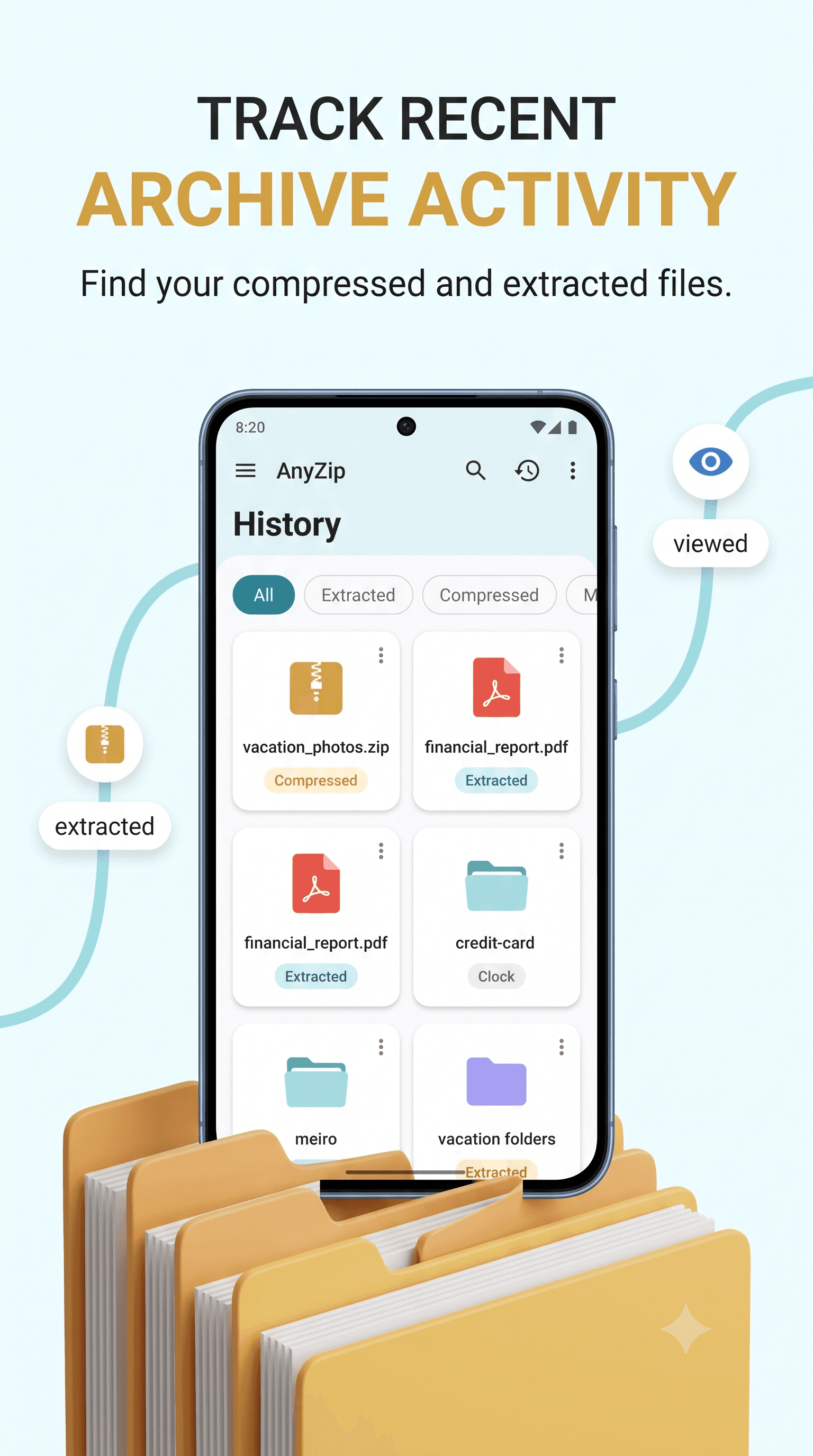
Return to previously compressed and extracted files, then open, rename, share, or delete them.
Launch AnyZip from Android file, email, browser, or chat flows when an archive needs handling.
Screenshots
AnyZip keeps archive work focused: choose files, configure a task, inspect results, and get back to your files.
How it works
Process single archives or multi-file folders with clear controls and a local history you can return to:
Browse local storage categories or open an archive sent from another Android app.
Pick the destination folder, archive format, compression level, and optional password.
Open the output, share it, rename it, or find it again later from local history.
Get the app
Scan the QR code from desktop or tap the button on mobile to install AnyZip from Google Play.
Ready to extract